React Native · Expo
The React Native starter kit for Expo that's ready to ship
CodeBaseHub is a complete Expo app with authentication, in-app payments, and push notifications already wired. Clone the repo, add your brand, and submit to the App Store and Google Play the same week.
- Firebase Auth with email, Apple, Google and guest
- RevenueCat subscriptions & in-app purchases
- OneSignal push, production-ready
- 7 MCP servers for Claude Code & Cursor
One-time payment · From $39 · No subscription, ever
- One-time payment
- Lifetime updates
- Unlimited apps
Everything already connected
A React Native starter kit is a pre-built app skeleton that ships with the screens, navigation, authentication, payments, and native configuration a real mobile product needs, so you start from a working app instead of an empty project. The CodeBaseHub kit is built on Expo (SDK 57), uses Firebase for auth and data, RevenueCat for subscriptions, and OneSignal for push, and includes an AGENTS.md file so Claude Code and Cursor understand the codebase on first open.
What is a React Native starter kit?
Every mobile app needs the same foundation: sign-in, a paywall, push notifications, app icons, build profiles, and store submission config. A starter kit gives you that foundation already assembled and tested, so your first commit is a feature, not boilerplate. CodeBaseHub is an Expo starter kit specifically — it uses Expo Router, EAS Build, and the managed workflow, so you get over-the-air updates and one-command builds for both platforms.
What's in the kit
Everything wired, typed, and documented.
Authentication
Firebase Auth with email, Google, and Apple sign-in. Protected routes and a ready account screen.
Payments & paywall
RevenueCat configured for iOS and Android subscriptions and in-app purchases, with a customizable paywall component.
Push notifications
OneSignal integrated and production-ready, including permission prompts and notification handling.
Database & functions
Firestore with typed hooks and CRUD helpers, plus Cloud Functions for server-side logic. Feature flags in code at src/config/features.ts.
AI editor rules
AGENTS.md, CLAUDE.md, and .cursorrules so Claude Code, Cursor, and Copilot know your architecture and conventions immediately.
Store-ready builds
EAS Build profiles for the App Store and Google Play, app icons, splash screens, and localization scaffolding.
The unfair advantage
Your AI editor can reach your real services
Most starter kits stop at code. This one ships a .mcp.json with 7 MCP servers, so Claude Code and Cursor can read your Firestore, check a RevenueCat subscription, send a test push or trigger an EAS build without leaving the editor.
heroui-native
stdioGenerate and edit HeroUI Native components in your app's own design language.
firebase
stdioAuth, Firestore, Functions, and Crashlytics, scoped to safe operations.
onesignal
httpCreate segments and send test push notifications straight from a prompt.
airbridge
httpInspect install attribution and campaign performance without a dashboard.
expo
httpLook up Expo and EAS docs, then kick off builds and submissions.
revenuecat
httpRead products, entitlements and subscriber state while you build the paywall.
plunk
stdioDraft and send transactional or marketing email from your editor.
{ "mcpServers": { "firebase": { "command": "npx", "args": ["firebase-tools", "mcp"] }, "revenuecat": { "type": "http", "url": "https://mcp.revenuecat.ai/mcp" }, "expo", "onesignal", "airbridge", "heroui-native", "plunk" ... }}Automated end to end
Describe a feature, and your agent already knows the architecture, the design system and the services behind it. That is the difference between a boilerplate and a kit that ships.
Get the Starter KitReal screens, not mockups
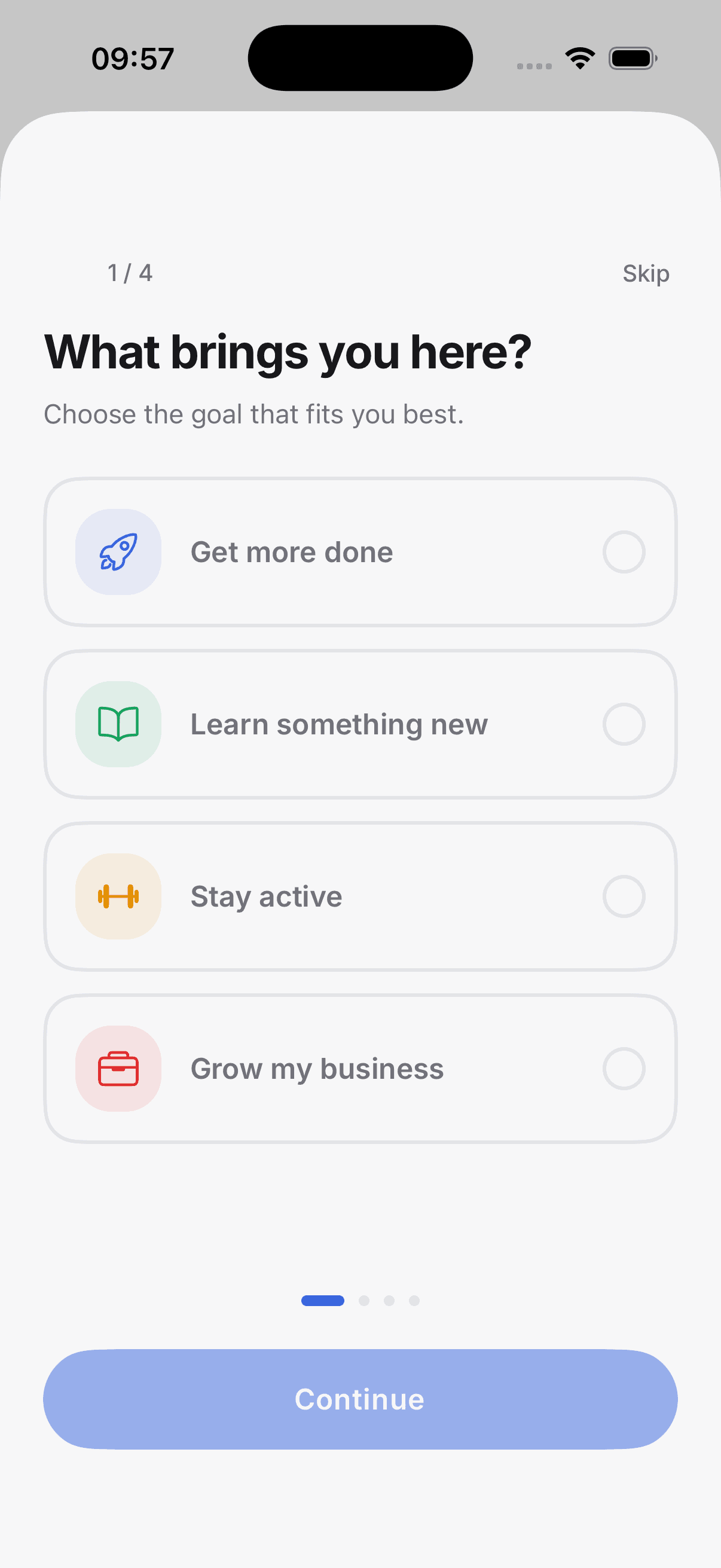
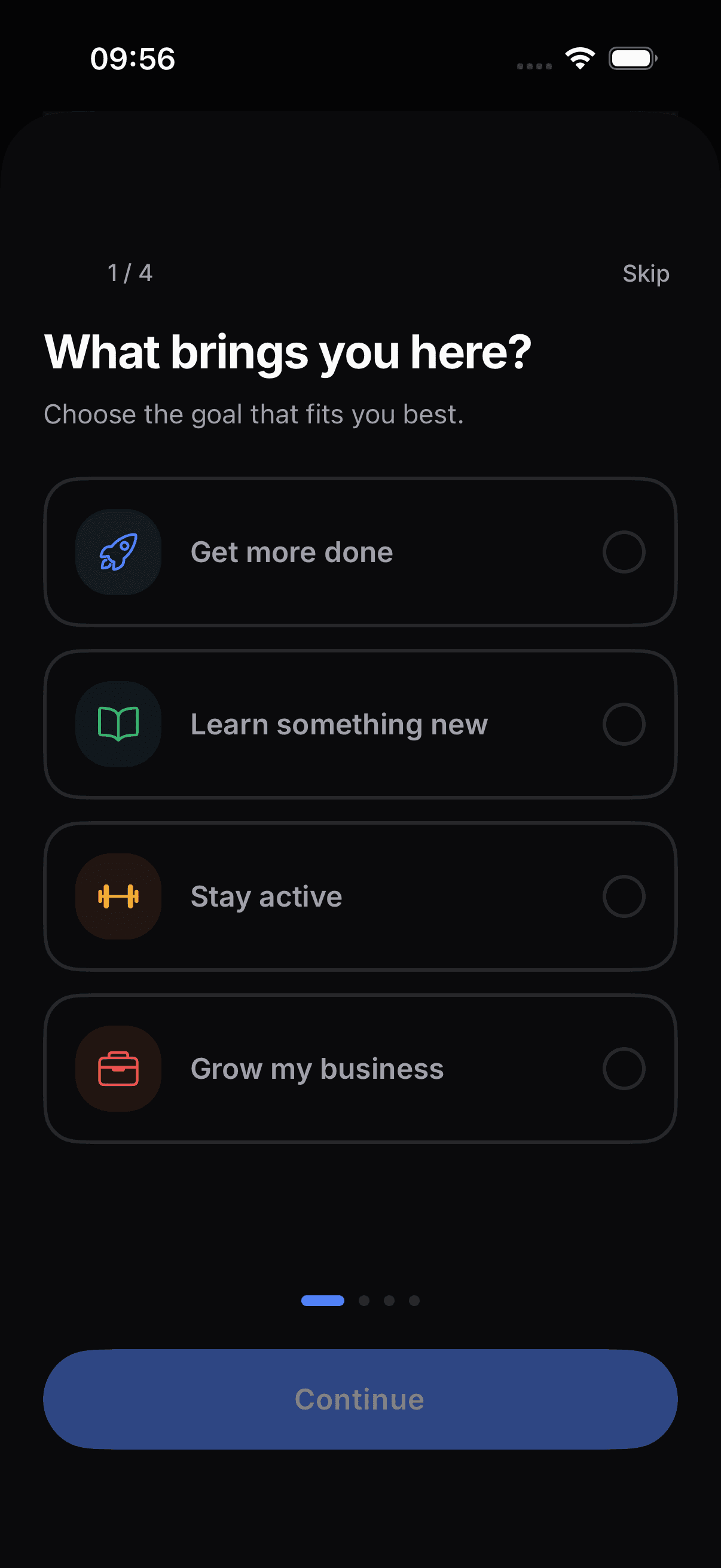
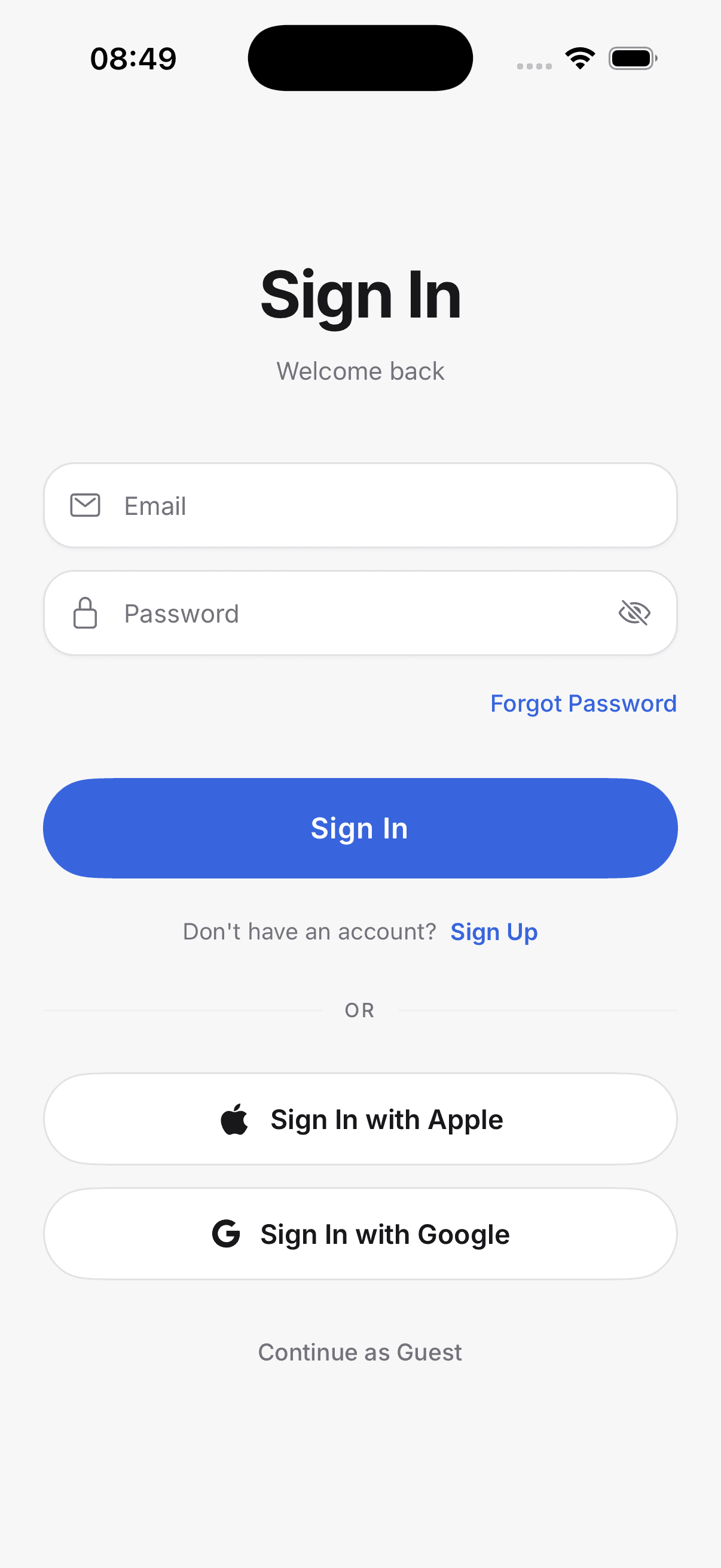
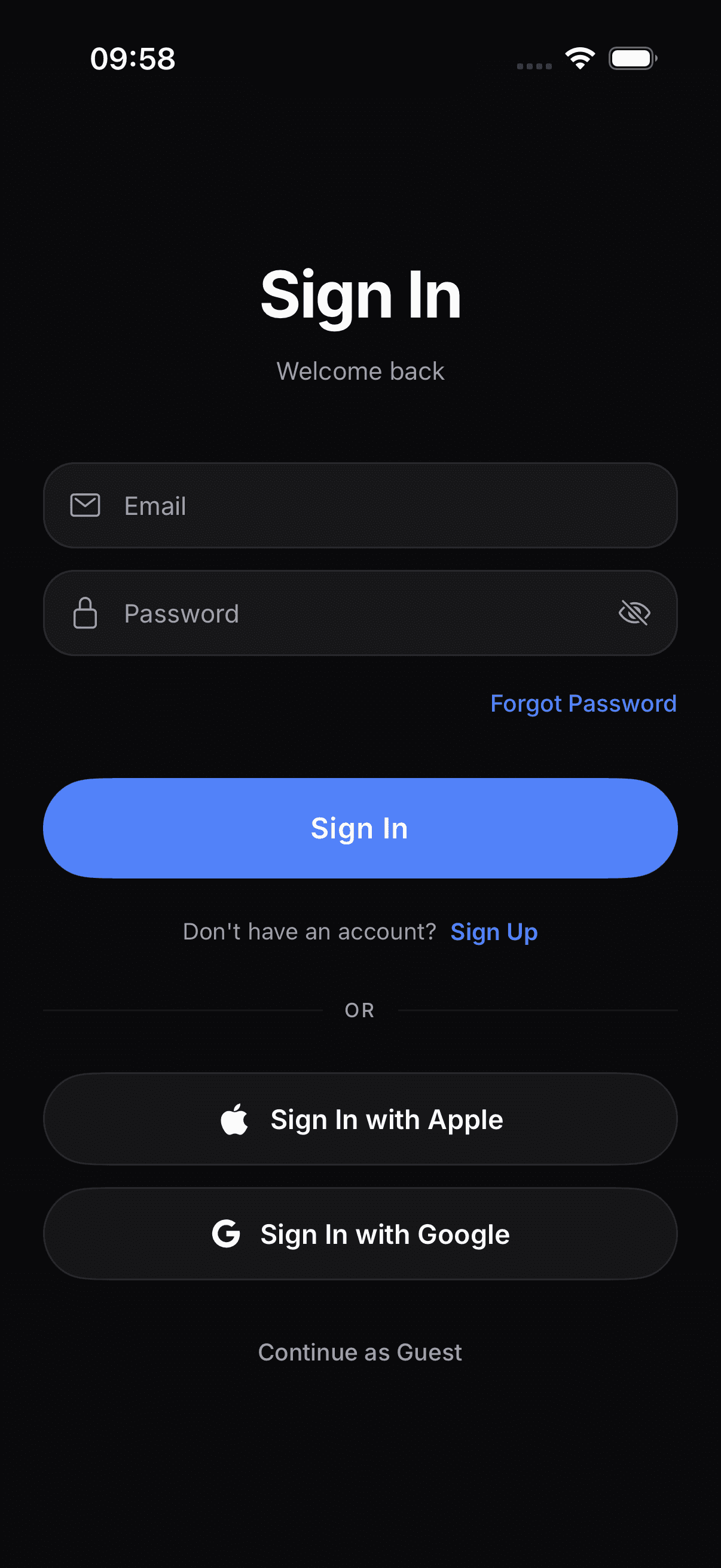
Every screen designed twice
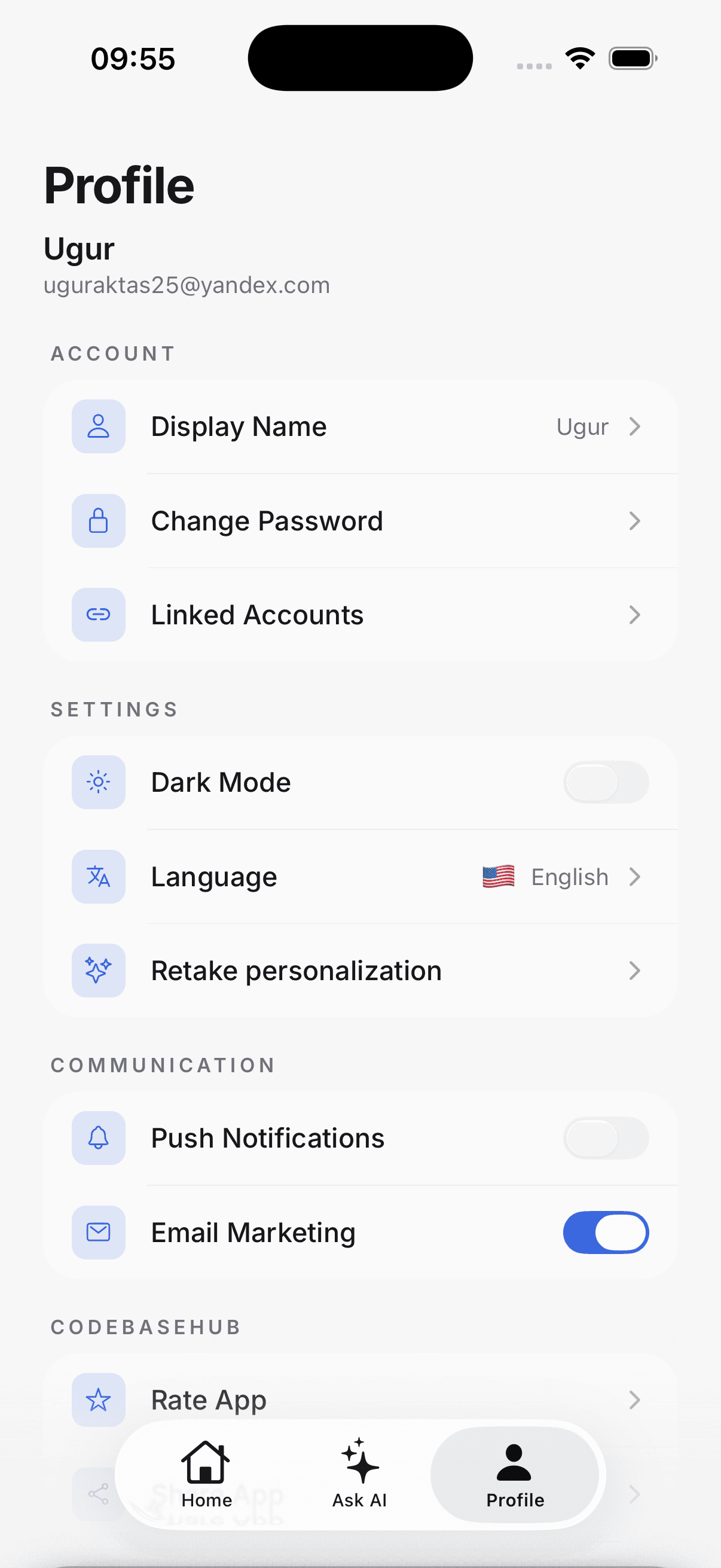
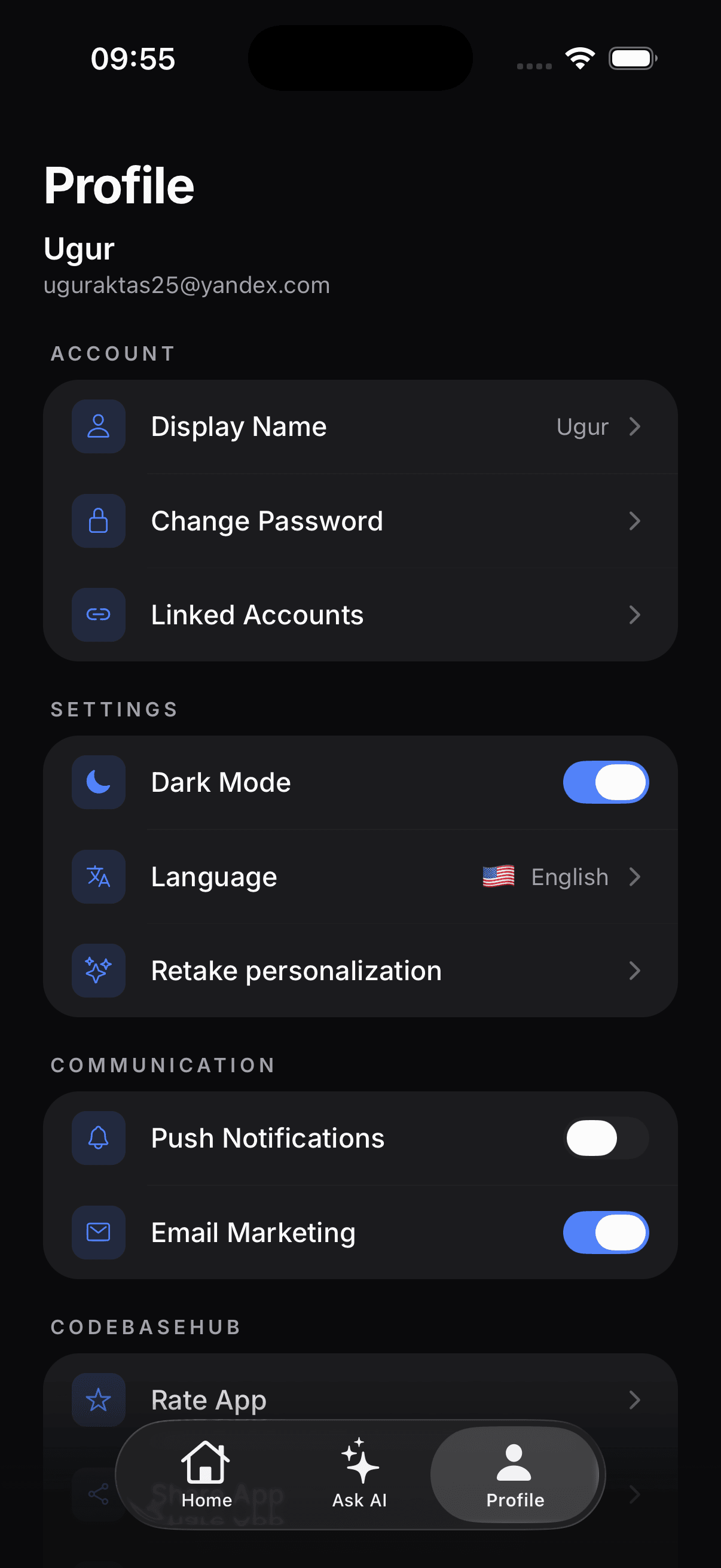
Sign-in, onboarding, language selection and settings: all built, all polished, all shipped in both dark and light mode. Flip the toggle and watch them change.
Sign in
Email, Apple, Google, and guest mode with validation and error states.
Onboarding
A four-step personalization flow that segments users on first launch.
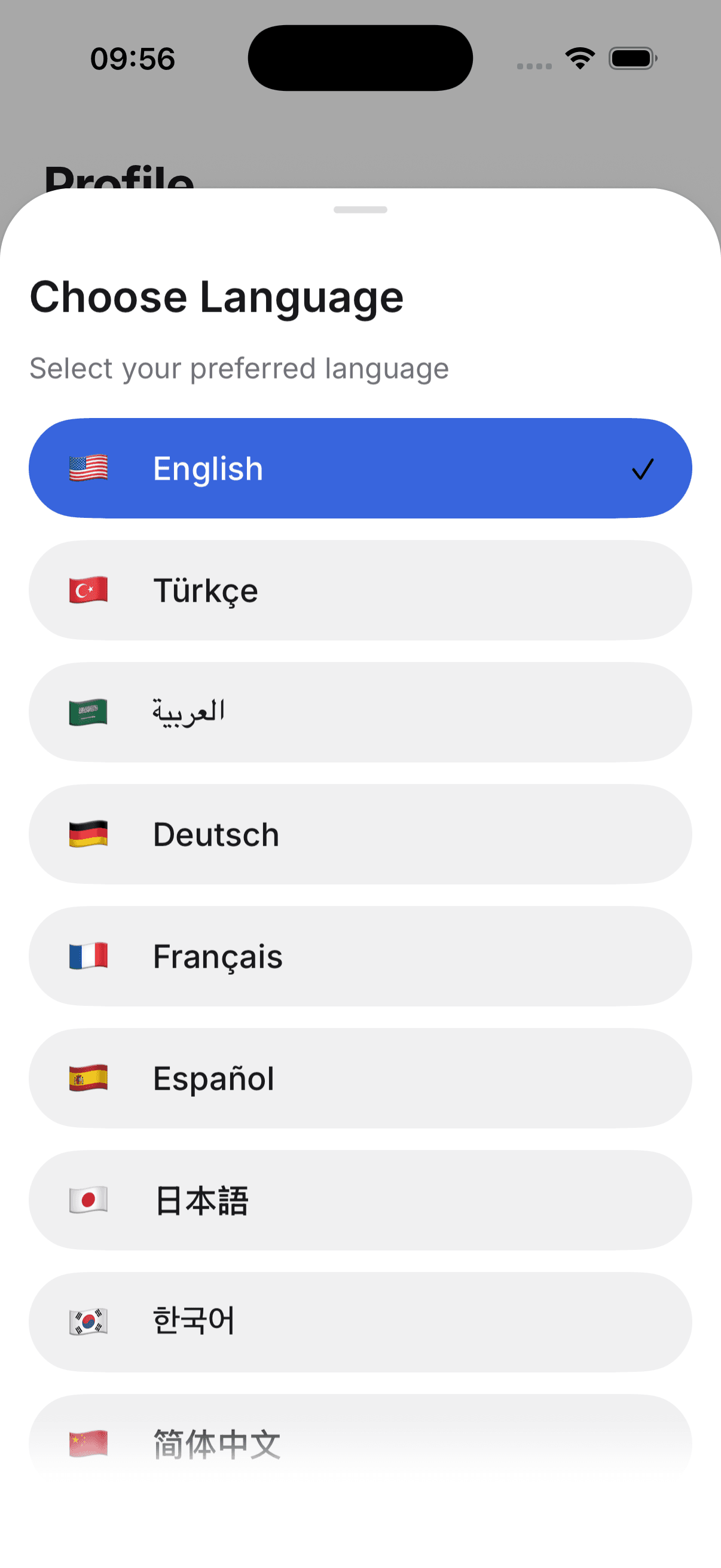
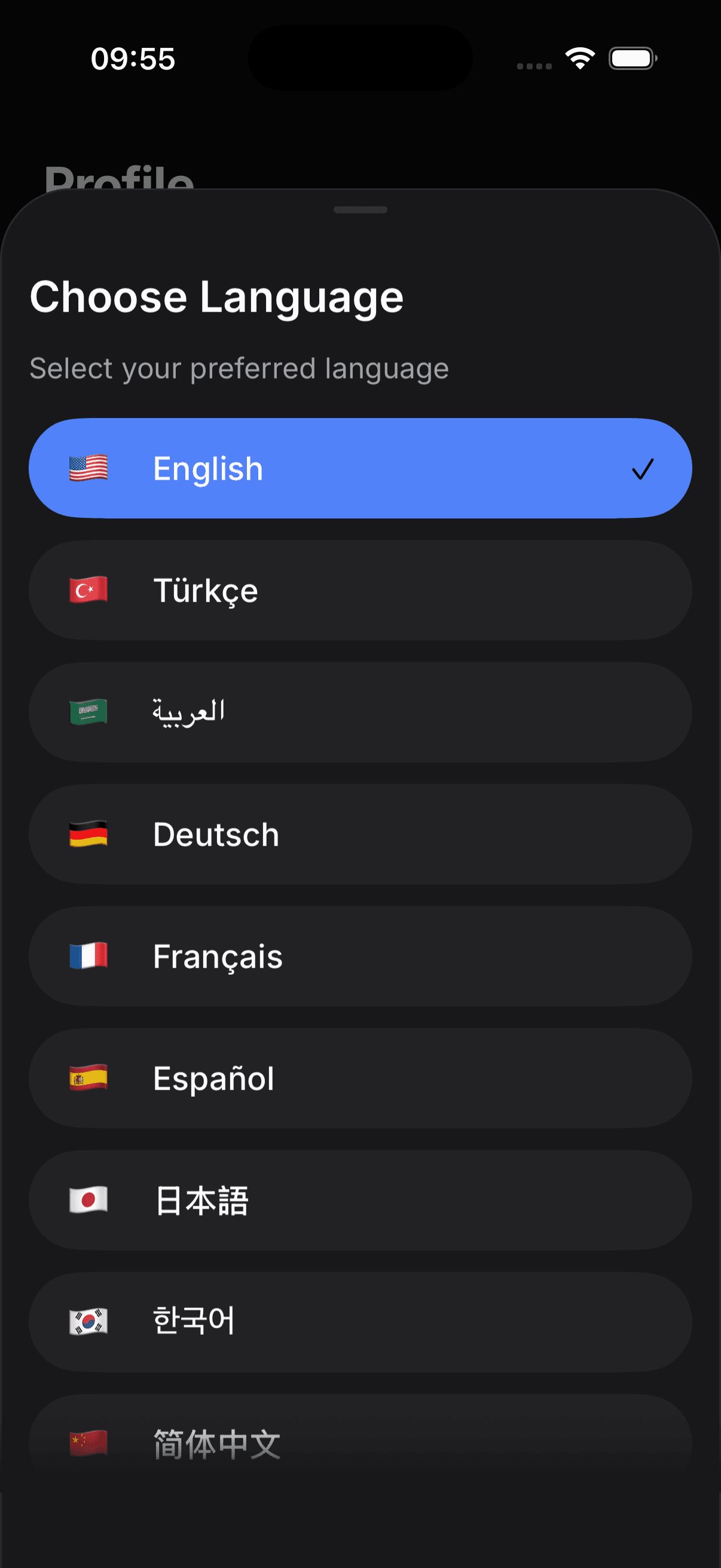
Language picker
10+ locales including Arabic with full right-to-left support.
Profile & settings
Account, theme, language, notifications and consent toggles.
The stack
Modern, widely-used, and well-documented — no exotic dependencies.
From clone to store in three steps
Clone and install
One command installs dependencies. Services are already connected in code — you add your own API keys.
Brand and build
Change the name, colors, and icon, plug in your Firebase and RevenueCat keys, then open your AI editor and build features.
Ship to the stores
Run EAS Build and submit to the App Store and Google Play from a single codebase.
Who it's for
- Solo founders and indie hackers who want to validate a mobile idea in days, not months.
- Agencies and freelancers shipping client apps on a fixed budget.
- Product teams that want a proven Expo foundation instead of maintaining their own boilerplate.
Pricing
Choose the plan that works best for you.
40% off for the first 100 customers — limited-time launch pricing.
Starter Kit — Single Version
A production Expo app with auth, payments, push and 7 MCP servers already wired.
This version only
You get the version that is current on the day you buy, and can re-download it any time. Newer releases are not included.
Included in both plans
- Full Expo SDK 57 source, commercial use in unlimited apps
- 7 MCP servers for Claude Code and Cursor
- Firebase Auth, Firestore and Cloud Functions
- RevenueCat subscriptions and in-app purchases
- OneSignal push notifications
- 10+ languages with Arabic RTL, dark and light mode
- EAS Build and Submit configs for both stores
Starter Kit — Lifetime Updates
A production Expo app with auth, payments, push and 7 MCP servers already wired.
Every future update, forever
Re-download any time and always get the newest version, at no extra cost.
Included in both plans
- Full Expo SDK 57 source, commercial use in unlimited apps
- 7 MCP servers for Claude Code and Cursor
- Firebase Auth, Firestore and Cloud Functions
- RevenueCat subscriptions and in-app purchases
- OneSignal push notifications
- 10+ languages with Arabic RTL, dark and light mode
- EAS Build and Submit configs for both stores
Starter kit questions
Start from a working app
Skip the boilerplate week. Get the React Native starter kit and ship your idea.
Get the Starter Kit